 AI Mobile Coders
Google I/O 2026 for Android Developers
If you watched the main Google I/O 2026 keynote on May 19 expecting Android news, you probably came away disappointed. The keynote was a Gemini parade. The Android announcements

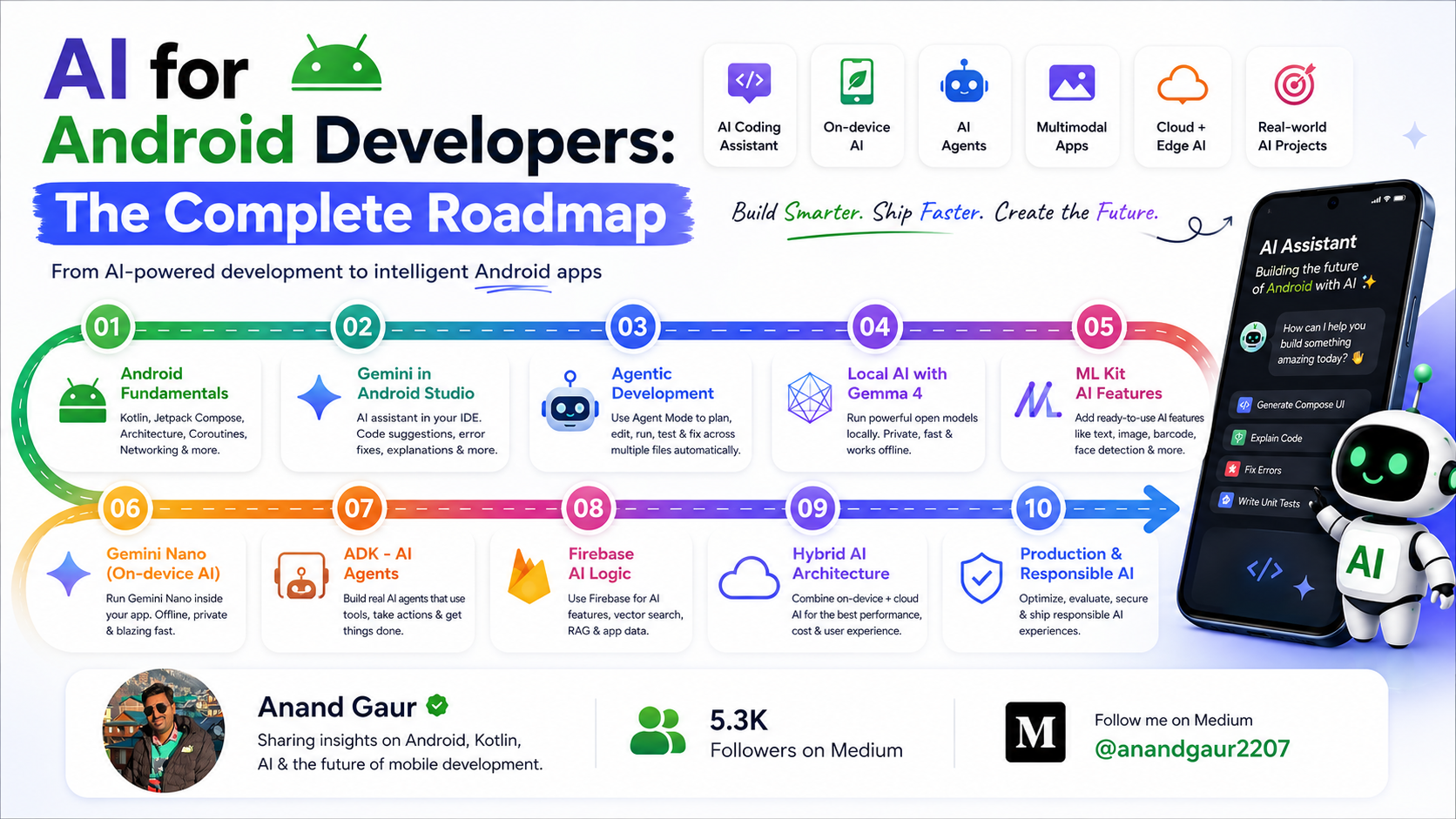
If you watched the main Google I/O 2026 keynote on May 19 expecting Android news, you probably came away disappointed. The keynote was a Gemini parade. The Android announcements — the ones that actually affect your day job — got split across The Android Show: I/O Edition (May 12), a separate developer keynote, and the official Android Developers Blog post titled “17 Things to know for Android developers at Google I/O.”
I went through every session, the dev blog, and the new docs so you don’t have to. Here’s the complete, no-fluff briefing for anyone writing or shipping Android apps in 2026.
Let’s get into it.
Part 1: The Agentic Coding Era
This is the biggest shift in how Android development actually feels in 2026. Google used to push you toward its own AI tools inside Android Studio. This year, they’ve accepted reality: most developers use third-party agents like Claude Code or Codex, and Google needs to support that — not fight it.
Here’s what’s new on this front.
Android CLI 1.0 (Stable)
Android CLI is a terminal tool that lets any AI agent talk to Android Studio’s core capabilities — without ever opening the IDE.
What that means in practice: when you ask Claude Code or Codex to “refactor this Composable,” the agent can now actually look at your code the way Android Studio does. It’s not just pattern-matching on text anymore.
Through new android studio commands, agents can do four things they couldn't do before:
- Semantic symbol resolution — proper “find usages” and refactoring intelligence, the same kind Android Studio uses internally.
- File warning analysis — Lint warnings, R8 hints, deprecation alerts, all programmatically accessible.
- Jetpack Compose preview rendering — the agent can literally see what your Composable looks like before suggesting changes.
- End-to-end UI tests through a feature called Journeys, exposed as “Android skills.”
If you’re already running AI agents against your Android codebase, install Android CLI this week. The difference in agent quality is immediate.
Google Antigravity for Android
Antigravity is Google’s own agent-first development platform — think of it as Google’s answer to Cursor. At I/O 2026, it got deep, native Android integration.
Through the Antigravity CLI, you can run advanced Android Studio commands from the terminal: resolve semantic symbols, run file warning checks, render Compose previews, trigger UI test journeys. Background agents can handle refactoring and “vibe coding” work without you touching the IDE.
Antigravity 2.0 also shipped two important upgrades:
- A standalone desktop app (no more browser-only experience).
- Google Cloud’s standard privacy protections, which makes it actually usable for enterprise teams that need data governance.
How is this different from Android CLI? Same underlying plumbing, different surface. Android CLI is model-agnostic — you bring your own agent (Claude, GPT, anything). Antigravity is Google’s full agent platform with its own UI and workflow. Pick based on whether you want flexibility or an opinionated, integrated experience.
Build Native Android Apps in Google AI Studio
This one genuinely surprised me. Google AI Studio — the web-based tool you’ve probably only used for Gemini prompt testing — now lets you build native Android apps just by describing what you want.
And the output isn’t a webview wrapper. It’s real Kotlin and Jetpack Compose code, written using Google’s recommended developer patterns.
The full workflow looks like this:
- Describe your app in plain English. AI Studio generates the project.
- Test it immediately. A full Android Emulator runs inside your browser — no local Android Studio install needed.
- Install on your phone. Plug in your device via USB and the integrated ADB ships the app straight to it.
- Share with testers. If you have a Google Play developer account, you can publish directly to the Play Console’s internal testing track from AI Studio.
- Go pro when ready. Export the project to Android Studio for serious debugging, polish, and shipping.
Is this going to replace serious Android development? No. But for prototyping ideas, hackathons, internal tools, or “let me test this before I ask the team to build it” — it turns a one-week cycle into one afternoon. Use it for what it’s good at.
Migration Assistant: iOS, React Native, and Web → Native Android
This one was previewed in the developer keynote — it’s not generally available yet, but it’s coming.
Android Studio’s new Migration Assistant is an AI agent that takes an existing iOS, React Native, or web codebase and converts it to native Android. The agent maps features intelligently, converts assets (storyboards, SVGs), and writes the output using Jetpack Compose and Google’s recommended Jetpack libraries.
Google’s claim is that weeks of porting work compress into hours. We’ll see how it holds up on a real, complex codebase when it ships. But the strategic message is clear: “we don’t have an Android version yet” is going to be a much harder excuse for product teams to make in 2026.
Android Bench
Android Bench is a new LLM leaderboard built specifically for Android development tasks. Instead of generic coding benchmarks, this measures how well different models handle real Android work.
The interesting addition this year: open-weight models like Gemma 4 are now on the leaderboard. So if you’re evaluating “should we run a local coding model on our team’s machines instead of paying for cloud APIs?” — this is the benchmark to check.
Part 2: Compose Is the Future, XML Is the Past
Google made the line official this year: Compose-first. Every new library, every new API, every piece of architectural guidance going forward is Compose-only.
The XML View system isn’t being deleted. Your existing apps will keep working. But it’s moved into maintenance mode — no new features, no new guidance, just bug fixes and security patches. If you’re still on Views, the migration question changed from “should I?” to “how fast can I?”
What Landed in the April ’26 Compose Release
The current Compose BOM (2026.04.01, core modules at v1.11) ships with some genuinely useful additions:
implementation(platform("androidx.compose:compose-bom:2026.04.01"))
- Grid API — a proper 2D layout primitive, finally. Think CSS Grid for Android. You define your layout using tracks, gaps, and cells. Sizing supports
Dp, percentages, intrinsic content sizes, and flexibleFrunits (the same fractional units CSS Grid uses). You can place items automatically or span them explicitly across multiple rows and columns. The best part: it's adaptive — you can reconfigure tracks and spans based on device state, so the same Grid layout naturally handles phone, tablet, and tabletop foldable modes. - Shared element debug tools — if you’ve ever fought with shared element transitions and not known why they weren’t working, this is for you.
- Trackpad event support — necessary for the new Googlebook laptop story (more on that below).
- v2 testing APIs as default — this is the one that might bite existing test suites. The default test dispatcher changed from
UnconfinedTestDispatchertoStandardTestDispatcher. In plain terms: coroutines launched in your tests no longer execute immediately. They queue, and only run when you advance the virtual clock. Your tests become more predictable and closer to production behavior, but you might need to addadvanceUntilIdle()calls in places that worked before.
Looking Forward
Beyond v1.11, the I/O announcements highlighted a more mature Styles API, refined shared element transitions, and enhanced input support across keyboards, mice, trackpads, and stylus — all groundwork for the multi-form-factor world Android is moving into.
Part 3: Adaptive UI Is Now Mandatory
Google’s framing for this year: there are now over 580 million large-screen Android devices in active use, and users on multiple devices spend up to 14× more on apps than single-device users. Adaptive design isn’t a nice-to-have anymore — it’s where the money is.
Jetpack Navigation 3
Nav 3 is built from the ground up for adaptive navigation. It handles things like:
- List-detail layouts that show a single pane on a phone but a split view on a tablet, automatically.
- Foldable hinge-aware navigation that adapts when you fold or unfold the device.
- Cross-device navigation state preservation so users can pick up where they left off when switching devices.
If your app still uses a single-pane stack on tablets, Nav 3 is the migration you want to plan.
New Compose Layouts: Grid + FlexBox
Alongside Grid, the new FlexBox layout joins as the second experimental adaptive primitive. Together with Row and Column, you now have a complete set of layout building blocks — you can stop reaching for LazyColumn just because you wanted a non-scrolling vertical list.
CameraX Goes Adaptive
CameraX now handles correct camera previews across any window size automatically. If you’ve ever fought with letterboxing or aspect ratio bugs when your camera app is in landscape on a tablet, this is the fix.
“Adaptive Refactor” Android Skills
New Android skills in Android Studio can analyze your existing app and suggest or apply adaptive layout changes automatically. Point the AI agent at a phone-only app, and it will identify what needs to change for tablet, foldable, and desktop support.
This is one of the more practical agentic features Google shipped — it’s not “magic, do everything” but it’s a real assistant for the migration grind.
Part 4: Googlebook and the Desktop Emulator
The biggest hardware announcement from The Android Show was Googlebook — Google’s new premium AI-PC laptop category. Think of it as the successor to the Chromebook brand, except instead of running ChromeOS, it runs Aluminium OS (which is Android 17 reshaped for desktop).
Launch partners: Acer, ASUS, Dell, HP, and Lenovo. First devices ship this fall.
For Android developers, three things matter:
- Your Android app will run on Googlebook. If you build adaptive now, you’re already ready.
- There’s a new Desktop Emulator in Android Studio Canary specifically for testing larger-screen layouts. You can grab it today and test what your app actually looks like in a desktop window.
- Design and developer guidelines for desktop experiences are live at
developer.android.com/design/ui/desktop.
If “we’ll worry about the desktop layout later” was on your roadmap, this is your nudge to bump it up. The Googlebook launch puts millions of Android-app-capable laptops in users’ hands by the end of the year.
Part 5: Building Generative AI Into Your App
This is where the Gemini story becomes practical — actual APIs you can use to build AI features into your own apps.
Gemini Nano 4 (Preview)
The next on-device model is in preview. It’s optimized for summarization, structured data extraction, and on-device reasoning.
Why this matters: Nano runs entirely on the device. No network, no API cost, no privacy review required for sending user data to the cloud. If your feature can live within Nano’s capability ceiling, it should — both for performance and privacy reasons.
Firebase AI Logic with Grounding
For when you actually need cloud Gemini, Firebase AI Logic now supports robust grounding — URL grounding, Google Maps grounding, and web search grounding.
In plain terms: your in-app AI features can now cite real sources instead of confidently making things up. If you’ve avoided shipping AI features because of hallucination risk, this changes the math.
Agent Development Kit (ADK) for Android
ADK is a new SDK for building agentic experiences inside your app. It ships with two new protocols:
- AG-UI — handles agent-to-UI communication. How the agent talks to your interface.
- A2UI — handles app-to-UI agent coordination. How multiple agents within your app coordinate.
Together with Google’s recommended hybrid inference architecture (small models on-device by default, escalate to cloud when complexity demands), this is now the official stack for building autonomous features in Android apps.
AppFunctions: Your App as a Tool Provider
This is the one I’d flag as most strategically important.
AppFunctions is a new platform API plus Jetpack library that lets your app expose its core functions to the system-level Gemini agent. Other assistants can also call into these functions.
Concrete example: a user says, “send my latest gym workout to my trainer.” Gemini calls into your fitness app’s exposed getLatestWorkout() function to fetch the data, then calls your messaging app's sendMessage() function to deliver it. Your app contributes capabilities to the assistant rather than waiting for the user to open it.
It’s effectively MCP-style tool exposure, but built directly into the Android platform.
Status: private preview with trusted testers. Early Access Program signup is at goo.gle/eap-af.
Why this matters for the next two years: app discovery on Android is shifting. Right now, users open your app by tapping its icon. In a Gemini-first future, they ask Gemini to do something and Gemini picks which app to invoke. If your app’s actions aren’t exposed as AppFunctions, you’re invisible in that flow.
If your app has clearly defined user-facing actions — send, search, create, share, play, book — start understanding AppFunctions now.
Part 6: Unified Surfaces — Widgets, Cars, and Wear
Jetpack Glance + RemoteCompose
Android 17 unifies widget development across mobile, Wear OS, and Android Auto into a single Compose-based model via Jetpack Glance.
The big technical unlock is RemoteCompose integration. On mobile and cars, it powers high-fidelity animations. On Wear OS, it lets widgets render complex UI logic natively on remote surfaces (without dragging the full UI stack along), which keeps performance smooth even on low-power watch hardware.
Concrete benefit: a user checks a flight status widget on their car dashboard, gets a gate change update on their wrist — same Glance widget code, three surfaces.
Heads up: Wear OS “Tiles” have been rebranded as Wear Widgets as part of this unification.
Android for Cars
The Car App Library got a significant refresh:
- Build once, target both Android Auto and Android Automotive OS.
- New components and template capabilities for media apps.
- More layout flexibility for distraction-optimized UIs.
- Immersive video playback is coming to Android Auto for phones running Android 17 — parked-only, obviously. EAP is open for parked-experience apps.
- Updated Google Maps for Android Auto with 3D immersive navigation.
If you’ve previously avoided car app development because of the limited templating, the new components are worth a second look.
Part 7: Android XR Developer Preview 4
XR stopped being hypothetical this year. Samsung’s Galaxy XR headset shipped, and the Samsung + Google Android XR smart glasses were officially unveiled at I/O — launching this fall in two variants (audio-only and microdisplay).
For developers, Android XR Developer Preview 4 is now out, and the core libraries are about to hit Beta:
- XR Runtime → Beta soon
- Jetpack SceneCore → Beta soon
- ARCore for Jetpack XR → Beta soon
That’s the stable foundation many of us were waiting for before committing real engineering time.
Two specific items worth highlighting:
- Geospatial API in ARCore for Jetpack XR — high-precision anchoring of digital content to real-world locations. This is the building block for any serious location-based AR experience.
- Android XR Developer Catalyst Program — apply at
goo.gle/Catalyst_IO26for hardware kits including XREAL's Project Aura, audio glasses, and display glasses developer kits.
If you’ve been waiting for the “is this real?” signal on Android XR, Developer Preview 4 plus Samsung’s shipping hardware is it.
Part 8: Pro-Grade Media in Android 17
If your app touches camera, video, or audio, Android 17 is a substantial upgrade. Google’s framing: Android is now your home for professional-grade media experiences.
Here’s what shipped:
- CameraXViewfinder Composable — a drop-in viewfinder that handles complex scaling and responsiveness on foldables and tablets automatically. Fixes a lot of edge cases you used to handle manually.
- Media3 AI Effects library — single interface for premium features like Magic Eraser and Studio Sound, automatically optimizing for the device’s hardware.
- CodecDB — chipset-specific encoding recommendations. This kills the “video exports perfectly on Pixel but breaks on certain Xiaomi devices” problem.
- Scrubbing Mode in ExoPlayer — ultra-smooth seeking. Critical if you ship any video player.
- Media3 Transformer — multi-asset compositing and editing pipeline.
- CastPlayer API — streamlined casting integration.
Across the board, these reduce the amount of media plumbing you have to write and maintain yourself.
Part 9: Performance Tooling Got Serious
Android 17 introduces enforced app memory limits, which means performance tooling matters more than it ever has. Google shipped a whole suite of tools to help:
R8 Configuration Analyzer
The R8 Configuration Analyzer finds keep rules that are bloating your binary. If you’ve ever inherited a proguard-rules.pro file with cargo-culted -keep class ** rules from three engineers ago, this is your audit tool.
ProfilingManager + LeakCanary in Android Studio
ProfilingManager brings programmatic profiling control to your code. More importantly, LeakCanary is now integrated directly into Android Studio. Memory leak detection has finally moved from “third-party library you bolt on” to “first-class IDE feature.”
Android Performance Analyzer
The standout tool. The new Android Performance Analyzer uses AI for complex trace analysis. You describe a performance issue in natural language, and it generates the Perfetto SQL queries for you and analyzes them.
For anyone who’s ever tried to write a trace query from memory at 11 PM the night before a release, this is significant.
Part 10: Android 17 — Behavior Changes You Can’t Ignore
Android 17 (codename Cinnamon Bun) stable rolls out in June. Android 17 QPR1 Beta 3 dropped right after the keynote, bringing background blur to more UI surfaces.
When you target API 37, here’s what changes — and what you need to test.
Mandatory Behaviors
These will affect your app whether you like it or not once you target API 37:
- App memory limits — enforced platform-wide. Audit your memory usage before targeting.
- Mandatory large-screen resizability — your app must resize properly. No more
resizeableActivity=falseescape hatch. - Certificate transparency by default — your network stack and any custom TLS code need to be ready.
- Restricted local network access — apps need explicit declaration to communicate with LAN devices. Big impact for IoT, Cast, Chromecast-adjacent apps.
- Background audio hardening — the rules tightened. Review your background audio behavior.
- SMS OTP protection — system-level protection changes how OTPs flow to apps.
System Internals
These shouldn’t break anything, but they might if your code makes timing assumptions:
- Lock-free MessageQueue — smoother UIs, less main-thread contention. Retest anything timing-sensitive.
- GC with more frequent, less intensive young-generation collections — smoother frame pacing overall.
New APIs (Use These to Reduce Permission Surface)
Google added two new APIs specifically so you can stop requesting broad permissions for one-off needs:
- Contact Picker — let users pick a contact without your app requesting full contacts permission.
- Eyedropper API (
ACTION_OPEN_EYE_DROPPER) — system color picker without requesting screen capture permission.
If your app currently asks for full contacts or screen capture for one specific feature, switch to these. Users notice fewer permission requests, and the Play Store rewards it.
Action item: Pull up the Android 17 behavior changes page and walk through it line by line before flipping your targetSdk to 37.
Part 11: Google TV — Engage SDK and Pointer Remotes
If you ship on Google TV:
- Engage SDK (rebranded from the Video Discovery API) handles Resumption, Entitlements, and Recommendations across all Google TV form factors. Onboarding sooner is better than later.
- Critical deprecation: the legacy Watch Next API loses support in the second half of 2027. If your “continue watching 1.0” experience runs on Watch Next, you officially have a migration timeline.
- Pointer Remotes — motion-controlled remotes are coming to future Google TVs. Declare pointer input support in your manifest now to be discoverable on those devices when they ship.
Part 12: Google Play — The Most Concrete Updates of the Show
The Play Console got the most concrete, ship-this-quarter developer updates of the entire I/O.
Discovery: Play Shorts + Gemini Surface
- Play Shorts — a new short-form video discovery format inside the Play Store. Your screenshots-and-feature-graphic strategy now has a video-first sibling. Start thinking about a 15–30 second loop that sells your app’s core hook.
- App discovery inside the Gemini app — Gemini can now recommend your app during user queries on Android and web. Play Store ASO now extends to “does Gemini know about my app and surface it correctly?” Worth thinking about how your store listing reads to an LLM, not just a human.
Subscription Retention (The Big API Changes)
This is where the most impactful API changes live:
- Default account recovery period extended from 30 to 60 days. Google’s data shows this drives up to an 18% reduction in involuntary churn and a 9% reduction in total churn for top developers. Verify your billing logic still handles
SUBSCRIPTION_STATE_ON_HOLDcorrectly across the longer window. - In-app subscription management API (coming soon) — when a subscriber hits “Cancel” inside your app, the new API lets them change plans or accept a downgrade offer in that same moment, instead of churning entirely. Combined with replacement modes that automate prorated refunds, this is the strongest retention toolkit Play has shipped in years.
Catalog and Store Listing Automation
Localization and catalog management got an aggressive AI overhaul:
- Gemini-driven custom store listings from keyword recommendations — click a keyword in your Grow dashboard, and Gemini drafts and pre-populates a localized store listing tailored to that exact search trend. One click to deploy.
- AI-pre-populated store listings from imported documents — upload a CSV or Google Sheet, and Play Console populates listings across languages for review. Manual copy-paste localization is officially dead.
- AI-translated subscription benefits — scale subscription benefit copy globally without a separate localization workflow.
- Agentic catalog management — bulk price and SKU updates via agents. If you have hundreds of IAPs across markets, this is the biggest operational win of I/O.
Analytics Overhaul
The Play Console’s analytics finally caught up:
- Cart conversion rate — finally added to core performance metrics. Pinpoint exactly where checkouts fail in your buy flow.
- Reach metric — track overall visibility across the Play Store, including downstream indirect value.
- Subscriber tenure and churn-reason data — granular data on which segments leave and why. Stop guessing about your D30, D90, and D365 retention drop-offs.
- Gemini-powered chart descriptions — expanded from the Statistics page to Reach & Devices and Store Performance pages. AI summaries help you spot trends without manual chart-reading.
- Interactive Q&A + proactive monetization insights — ask “why did D7 retention drop in Brazil last week?” and get tailored recommendations, not just numbers.
Closing Thoughts
Google I/O 2026 wasn’t a flashy Android release. There was no headline UI redesign, no version-number fanfare. What there was, instead, is a quiet but unmistakable repositioning of Android into something larger:
Android is no longer just a phone OS. It’s becoming the foundation for an AI-first ecosystem that spans phones, watches, cars, laptops, and glasses — all stitched together by Gemini and developed against a unified Compose-first toolchain.
The good news for developers: you’re not being asked to learn five new platforms. You’re being asked to write one Compose app, make it adaptive, expose your core functions to the system agent, and target API 37. That’s a coherent ask.
The harder news: “phone-only, Views-based, no AI features” is going to feel increasingly anachronistic by the end of 2026. The time to start planning is now.
If this helped you make sense of I/O, share it with the Android dev in your life who’s still wondering if Compose is really the future. (It is.)
Based on Google I/O 2026 (May 19, 2026), The Android Show: I/O Edition (May 12, 2026), the Developer Keynote, and the official Android Developers Blog.
Thank you for reading. 🙌🙏✌.
Need 1:1 Career Guidance or Mentorship?
If you’re looking for personalized guidance, interview preparation help, or just want to talk about your career path in mobile development — you can book a 1:1 session with me on Topmate.
I’ve helped many developers grow in their careers, switch jobs, and gain clarity with focused mentorship. Looking forward to helping you too!
Found this helpful? Don’t forgot to clap 👏 and follow me for more such useful articles about Android development and Kotlin or buy us a coffee here ☕
💥 Level Up Your Mobile Developer Interview !
Mastering AI for Android Developers
Your complete hands-on guide to integrating AI into Android apps — covering Generative AI, LLMs, on-device intelligence, AI APIs, real-world use cases, and practical implementation with modern Android development.
👉 Grab your copy now:
https://medium.com/@anandgaur2207/mastering-ai-for-android-developers-5cc6d62e7d21
Crack Android Interviews Like a Pro
Your complete Android interview preparation book — packed with real questions, deep explanations, and practical insights to help you stand out.
👉 Grab your copy now:
https://medium.com/@anandgaur2207/crack-android-interviews-with-confidence-the-only-handbook-youll-need-b87ec525f19c
iOS Developer Interview Handbook
From Swift fundamentals to advanced iOS concepts — a complete handbook to help you prepare smartly and confidently.
👉 Explore the book:
https://medium.com/@anandgaur2207/crack-ios-developer-interviews-with-confidence-the-complete-ios-developer-handbook-f1eabc3d7a21
Flutter Developer Interview Handbook
Ace your next Flutter interview with scenario-based questions, detailed explanations, and hands-on examples that make you stand out.
👉 Explore the book:
https://medium.com/@anandgaur2207/crack-flutter-developer-interviews-with-confidence-the-complete-flutter-developer-interview-6cb53996832c
React Native Developer Interview Handbook
Crack your next React Native interview with confidence!
This guide is packed with scenario-based questions, detailed explanations, and hands-on examples to help you stand out and succeed.
👉 Explore the book:
https://medium.com/@anandgaur2207/react-native-interview-crack-your-next-interview-with-confidence-0d7255a20fe1
If you need any help related to Mobile app development. I’m always happy to help you.
Follow me on:
More like this
 Android
Building AI-Powered Android Apps with Gemma
AI is no longer limited to servers or cloud APIs. Today, you can run powerful mo...
 Android
Build AI Agents Inside Your Android App with Agent Development Kit (ADK)
Google just made it possible to put real, thinking AI agents directly inside you...
 Android
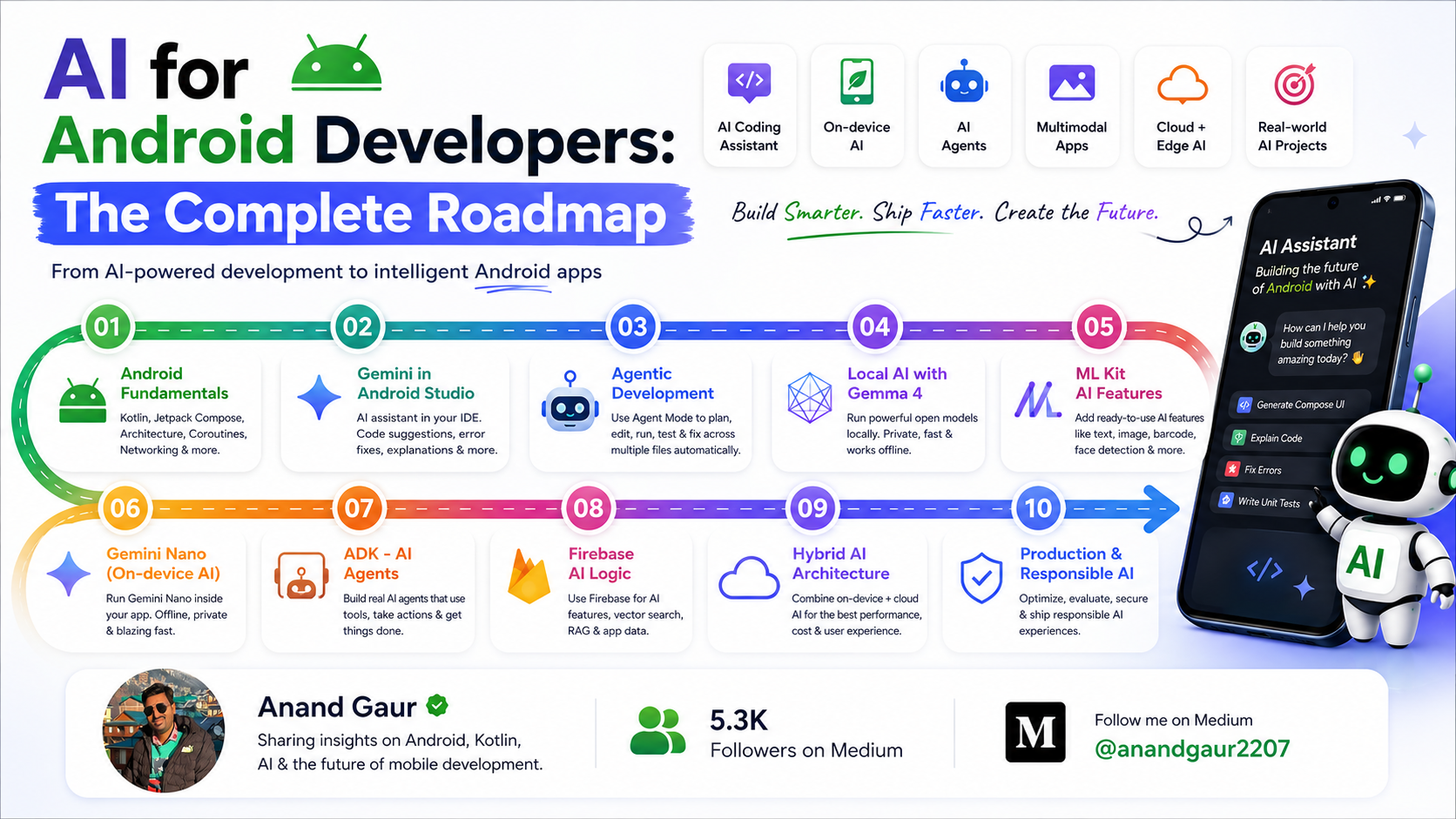
AI for Android Developers: The Complete Roadmap
How to use AI to build Android apps faster and how to build AI features into you...